Photograph any meal and NutriAI names the dish, breaks out every ingredient with its portion, and logs the calories, macros and micronutrients. Nothing to search, nothing to weigh, no serving size to guess.
Free daily scansNo account neededEnglish & Русский
AI identified92% confidence
Energy0kcal
Protein0g
Carbs0g
0photo per meal, with no database to search
0languages, including Русский
0trackers in one app: food, water, weight, plan
0accounts required to start
How it works
Three taps between a plate and a logged meal
Most calorie apps fail because logging is a chore. Searching a database, picking a match and guessing a portion takes about ninety seconds a meal, or roughly forty-five minutes a fortnight, which is why almost nobody makes it to week three. NutriAI replaces all of that with a photograph.
1
Snap it
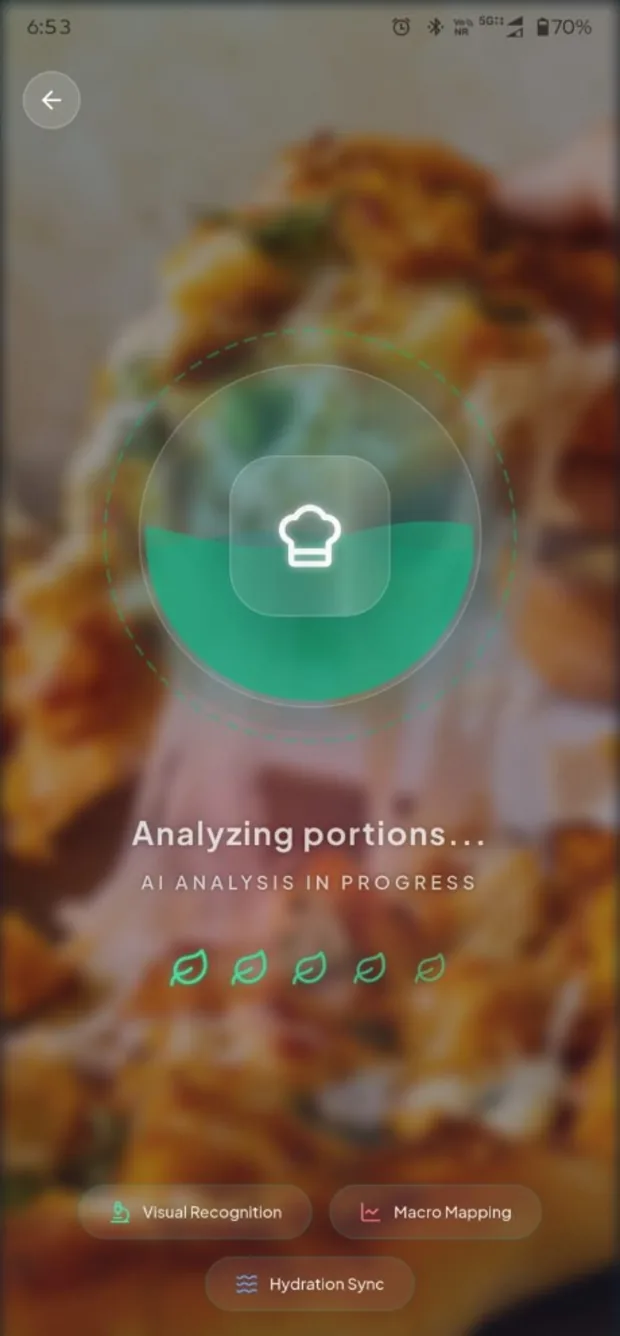
Point the camera at your plate, or pick a photo you already took. It handles a full meal, not just a single item, and it works on home cooking and restaurant plates alike. No signal? The shot queues and analyses itself the moment you reconnect.
2
Check it
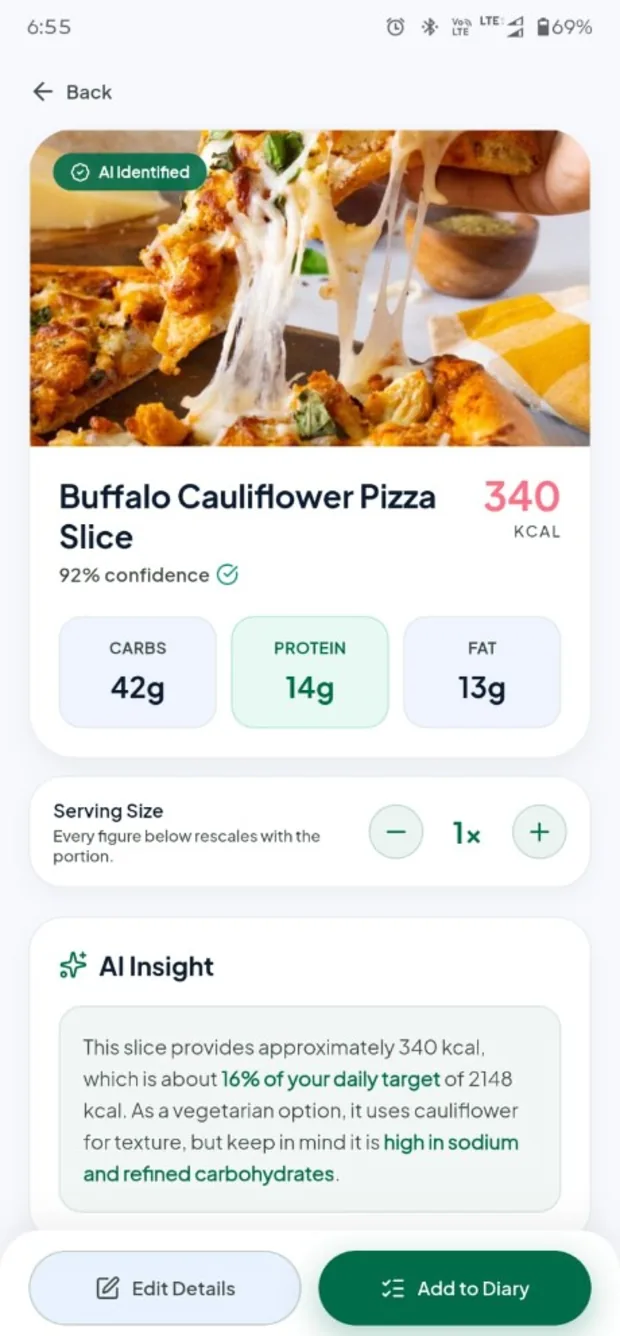
Within seconds you get the dish by name, a confidence score, every ingredient with its portion, and the calories and macros totalled. If the model guessed high, drag the serving down and every figure on the card rescales with it. If it guessed wrong, correct it in a tap.
3
Watch it add up
The meal lands in your diary and the whole day moves with it: the calorie ring, the macro bars, your streak. Everything is measured against a target worked out from your own BMR and TDEE, never a number picked off a chart, with water and weight tracked on the same screen.
Inside the app
Everything a food diary should already do
AI food scan
It reads the whole plate, not one item
Most trackers make you search a database, choose the closest match, then guess a portion. A plate with three things on it is three searches. NutriAI takes one photograph and gives you the dish by name, the components it can see, and how confident it is about the match.
That gap is the whole difference between logging for three days and logging for three months. People rarely abandon calorie counting for lack of willpower. They abandon it because it costs ninety seconds a meal, and a photo costs one.
Recognises multi-item plates, not just single foods
A confidence score on every match, so you know when to double-check
The serving stepper rescales every figure on the card at once
Camera or gallery; photos taken offline queue and analyse when you reconnect
Nutrition breakdown
Ingredient by ingredient, down to the sodium
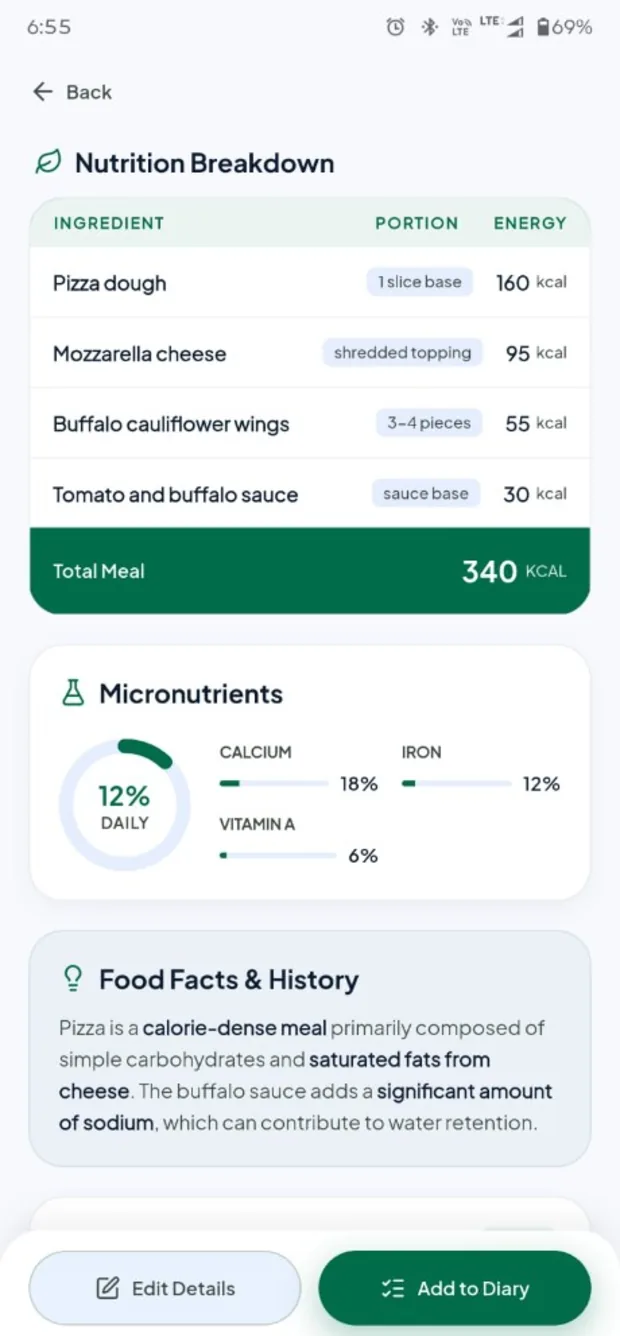
Open any scan and you get the itemised list: the pizza dough, the mozzarella, the buffalo cauliflower and the sauce, each with its portion and its share of the total energy. Below that sit calcium, iron and vitamin A as a percentage of your day, plus a short note on what the dish actually is.
This is the point where a food diary stops being a number and starts being information. Seeing that the dough carries almost half the energy, or that a 340 kcal slice is 16% of a 2148 kcal day with only 14 g of protein, changes what you order next week. A single total never does that.
Portion and energy for every ingredient the model found
Micronutrients shown as a share of your daily target
Food facts and history, so you learn the dish, not just the number
Edit any detail before it reaches your diary
Daily dashboard
One screen for the whole day
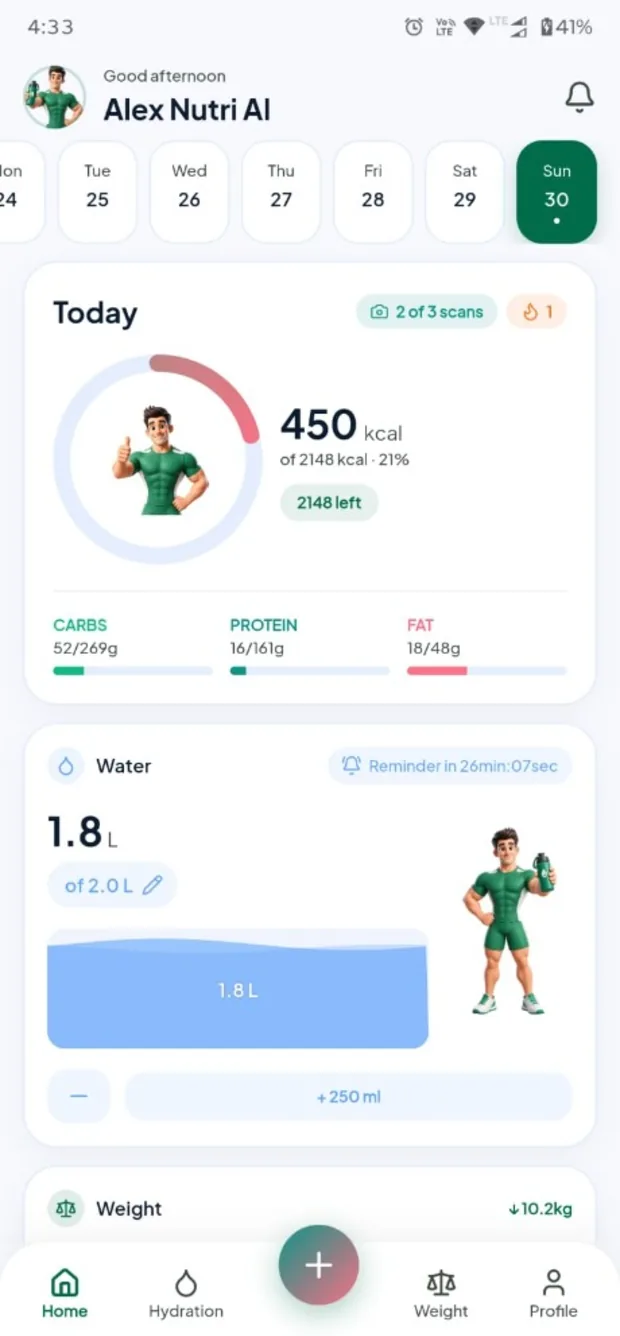
The ring shows the calories you have left. Carbs, protein and fat run as bars underneath, water and weight sit below that, and a week strip along the top takes you back to any day you logged. Your remaining scans are shown before you spend one.
Showing what is left rather than what is gone is deliberate. It turns each meal into a decision you still get to make, instead of a verdict on the ones you already made. That framing is most of what keeps people logging past the first fortnight.
A calorie ring counting down, not up
Breakfast, lunch, dinner and snacks kept separate
Water and weight on the same screen, no tab hunting
Tap any past day to see exactly what you ate
Hydration
Water that actually gets logged
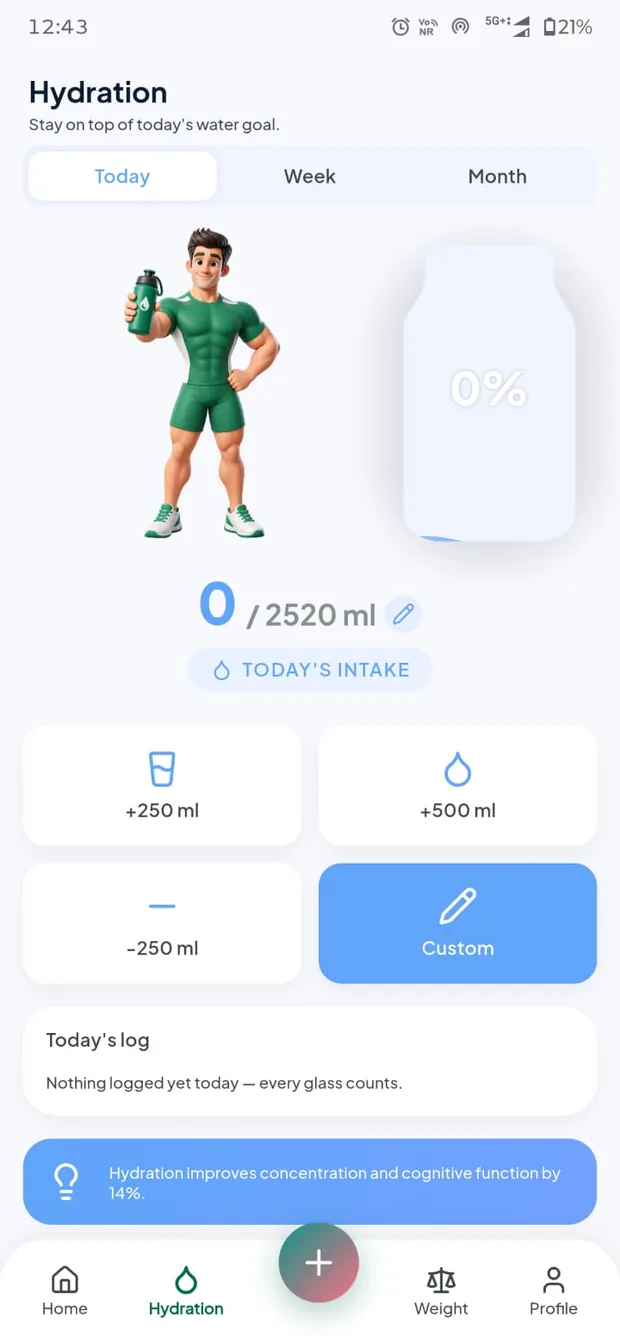
One tap for a glass, one for a bottle, or a custom amount. Your target is scaled to your body weight rather than fixed at a round two litres, and a countdown on the home card tells you exactly when the next reminder is due.
Hydration is the easiest thing to track and the easiest to forget. Reminders are scheduled on your device, spaced across the waking hours you choose, and silenced during the quiet hours you set, so they arrive when a glass of water is actually plausible.
+250 ml, +500 ml, or an amount you set yourself
A goal derived from your weight, not a round number
Today, week and month history at a glance
Reminders inside your waking hours only, never in quiet hours
Weight & BMI
The trend line, not this morning's number
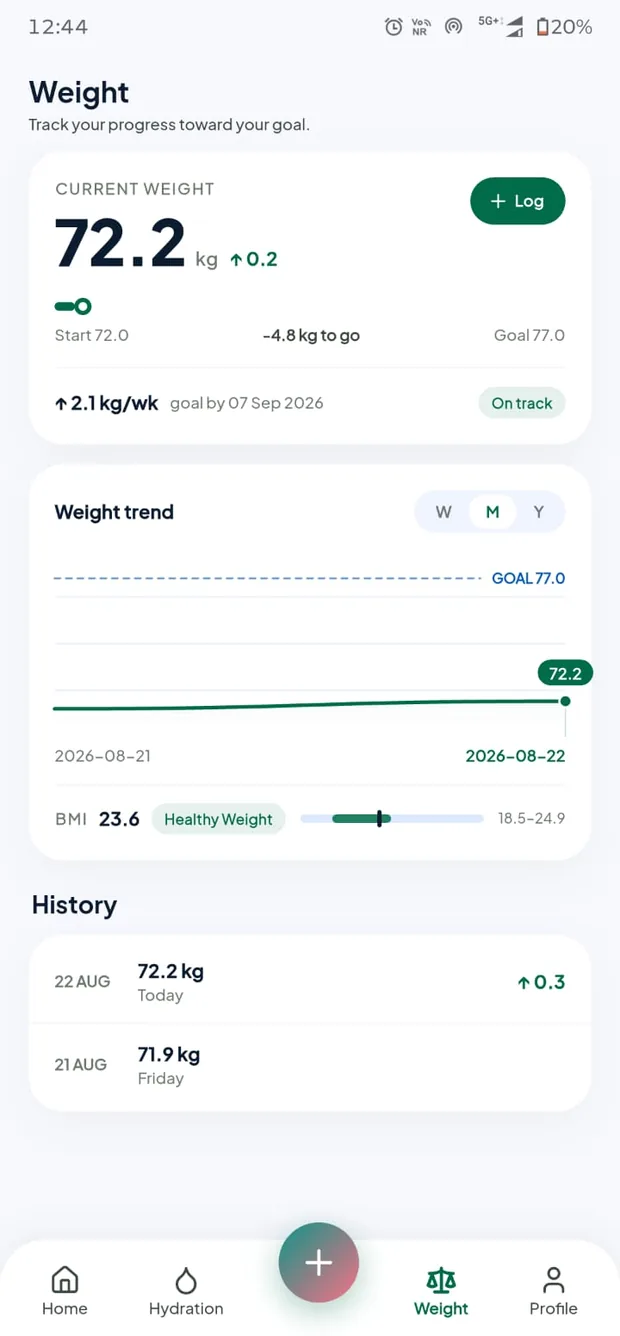
Log a weight and watch the curve move against your goal line, with the weekly rate, a projected date for reaching your target, an on-track badge, and a BMI band that updates itself. Kilograms or pounds, centimetres or feet: whichever you picked stays picked.
Body weight swings by a kilo on water and salt alone. The curve is what tells you whether the last fortnight worked; a single morning reading mostly tells you what you drank yesterday. Watching the trend is the difference between adjusting and panicking.
Week, month and year views of the same curve
A projected date for your goal, recalculated as you go
An on-track badge so you know without doing the maths
Automatic BMI against the healthy band for your height
Your plan
Targets built from your body, not an average one
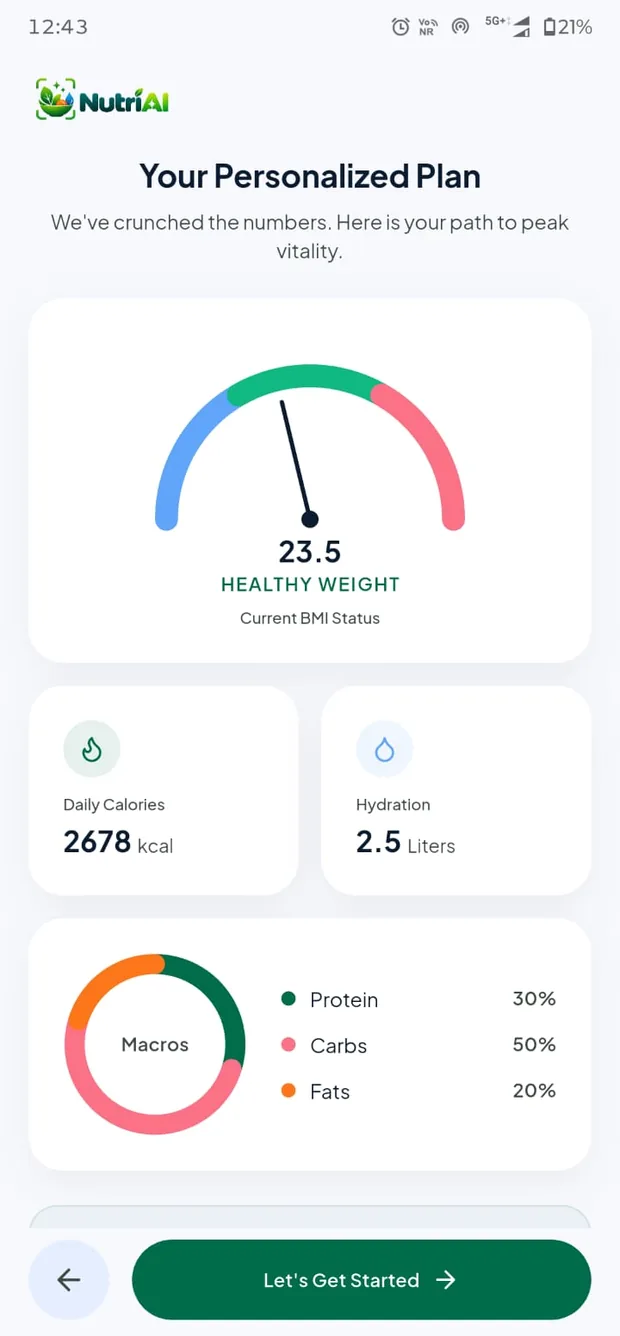
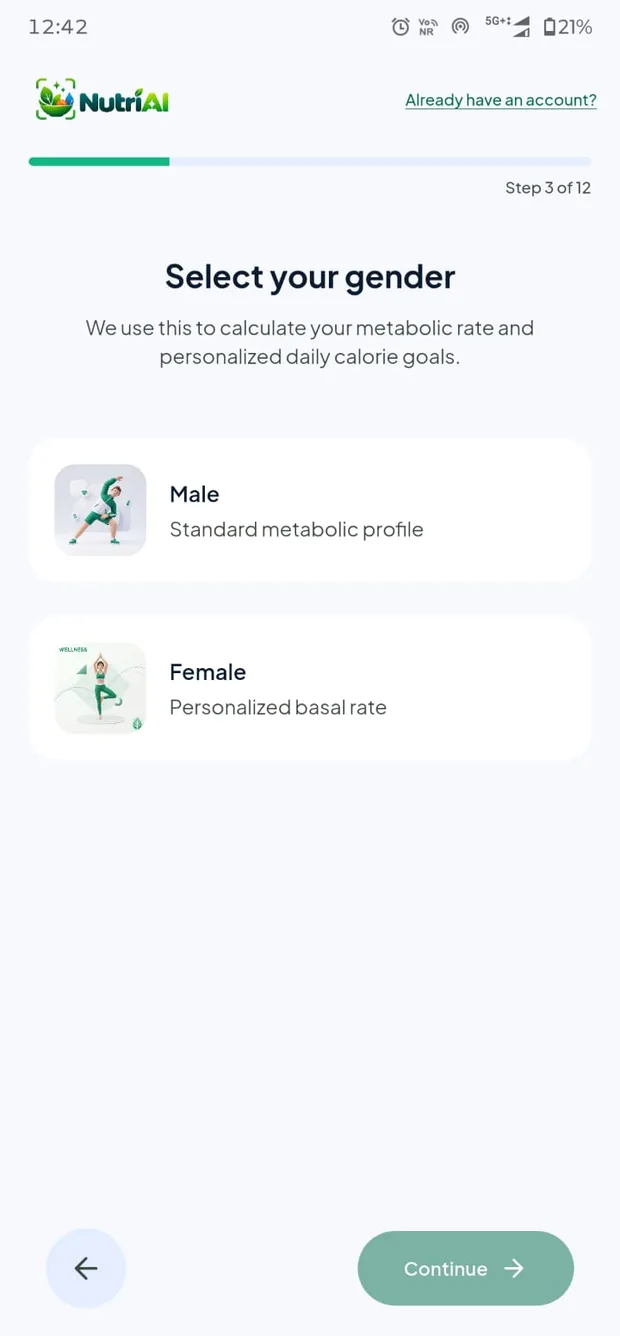
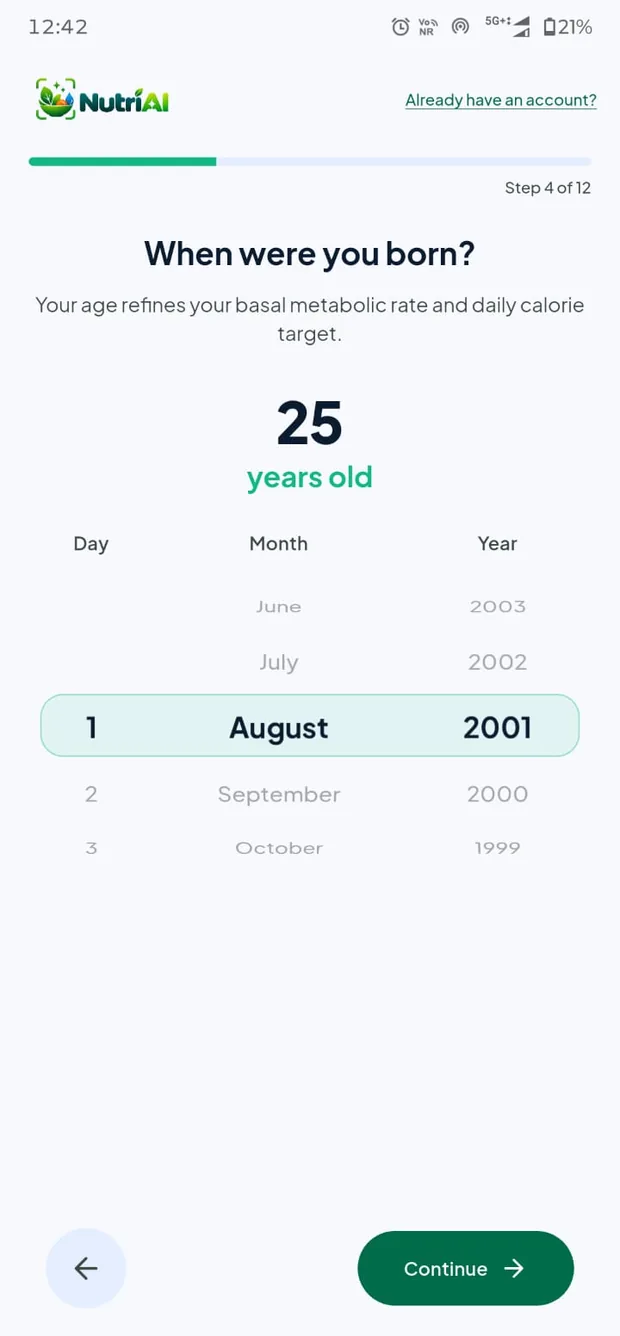
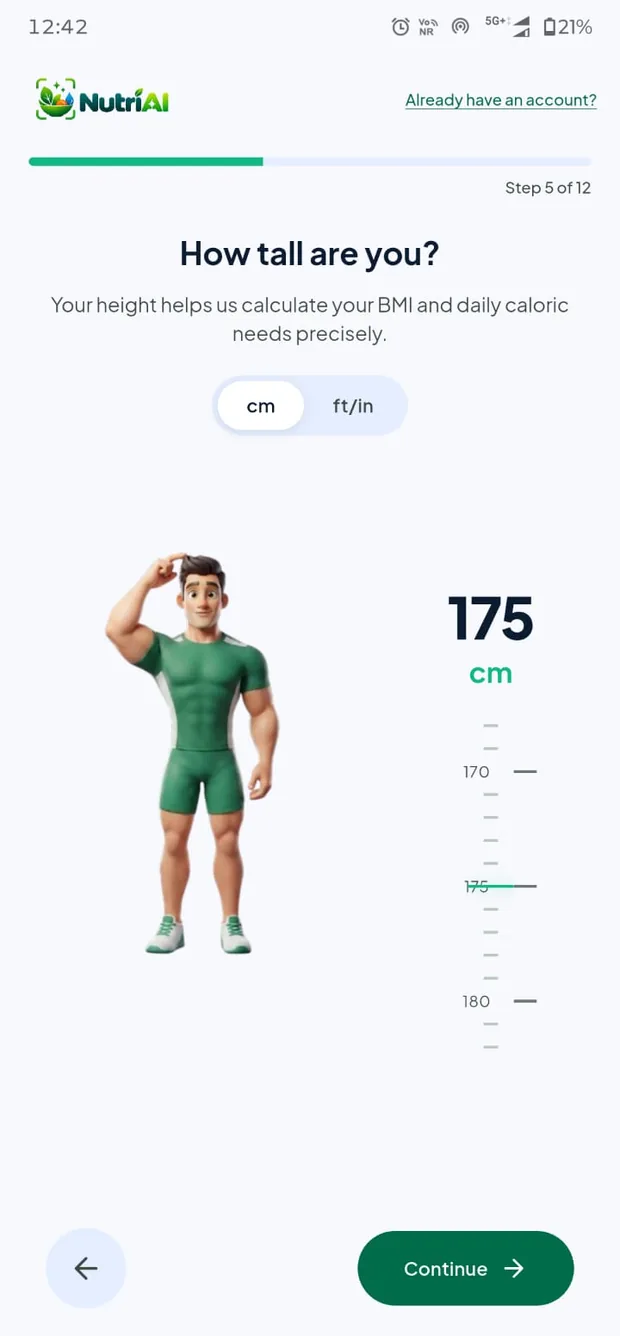
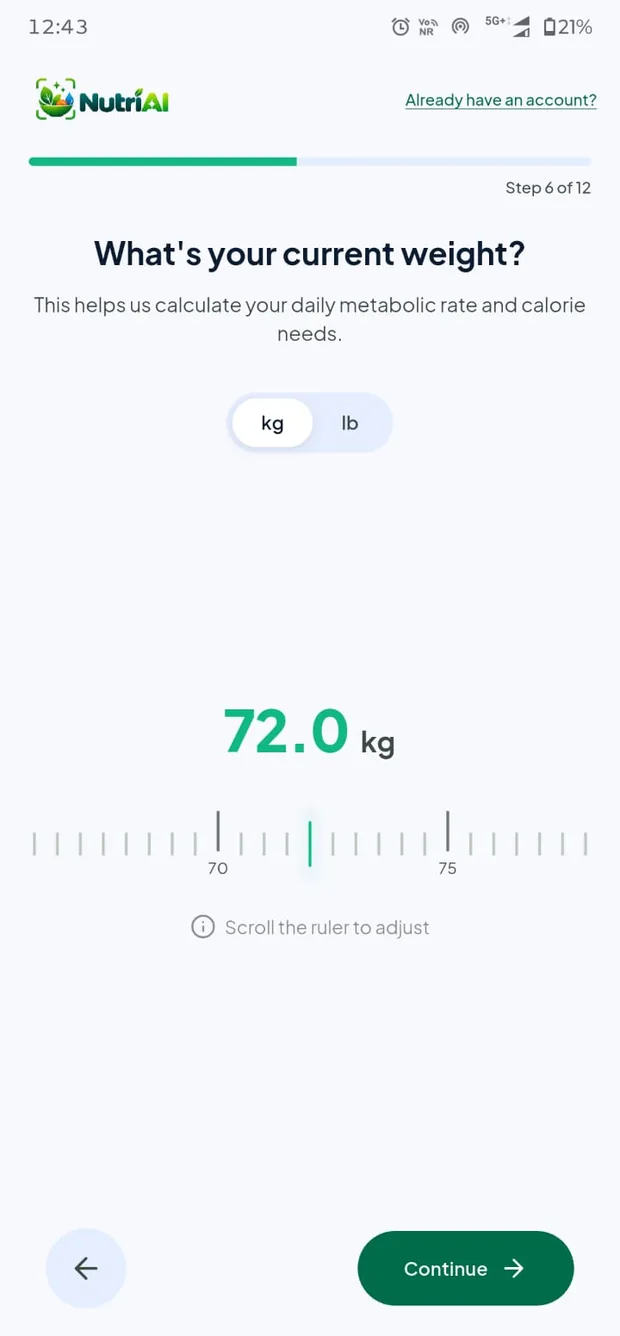
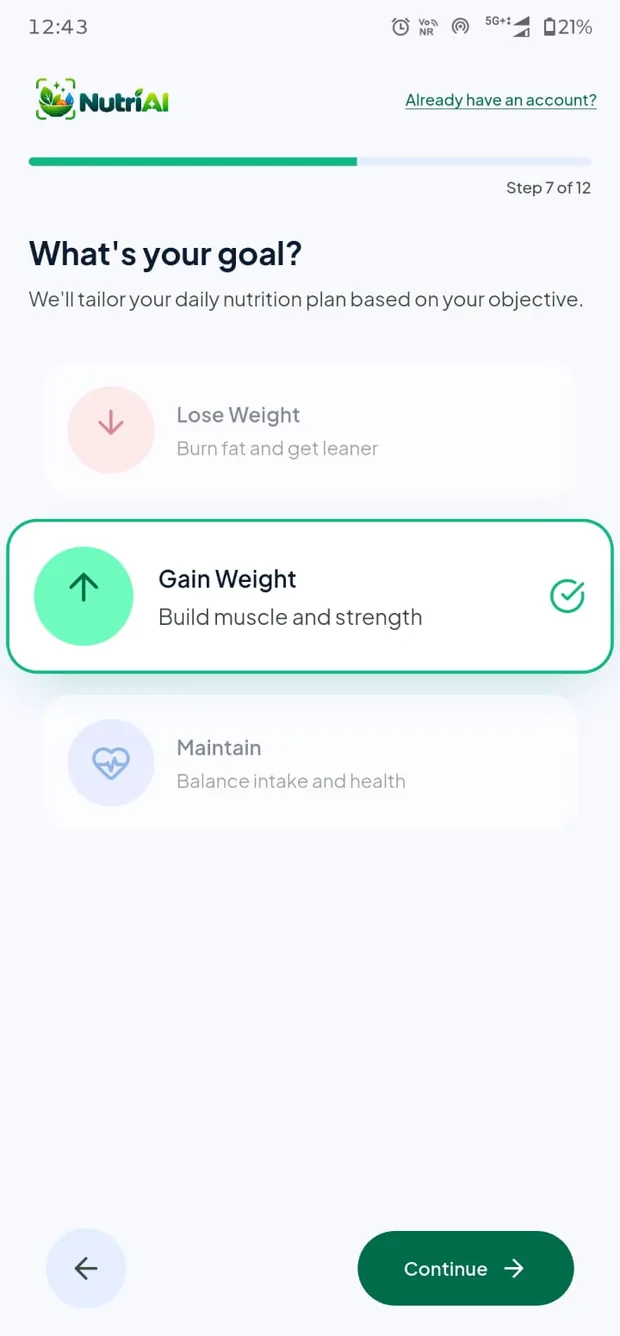
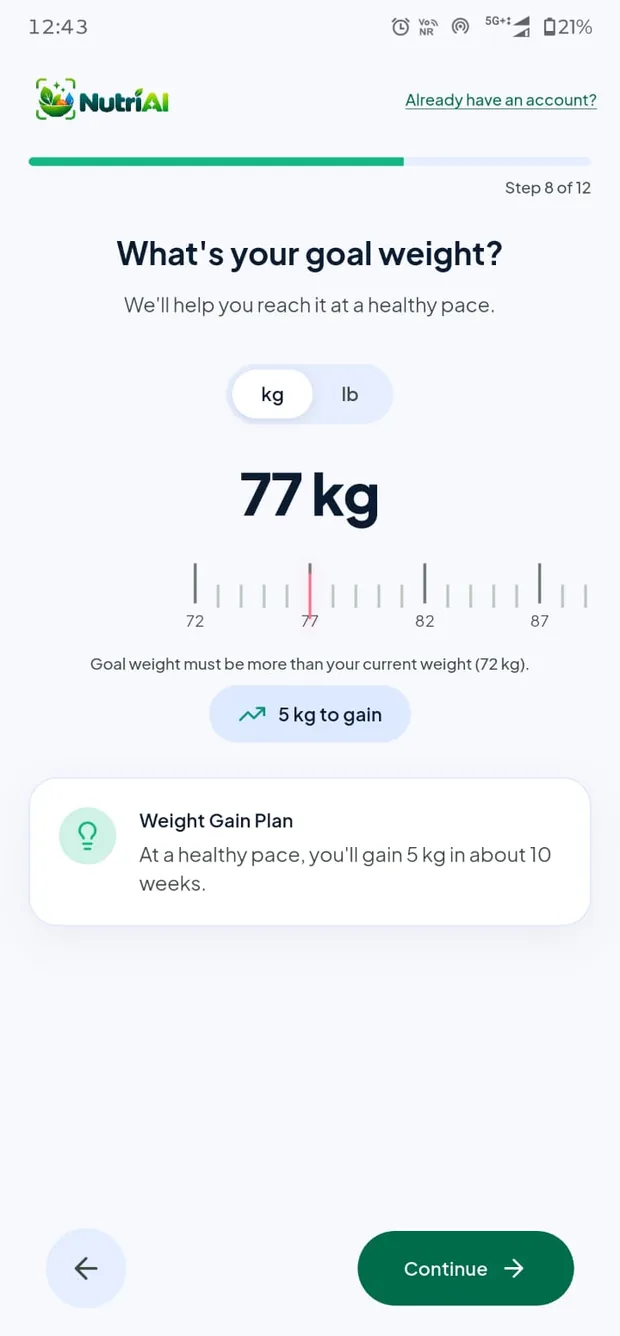
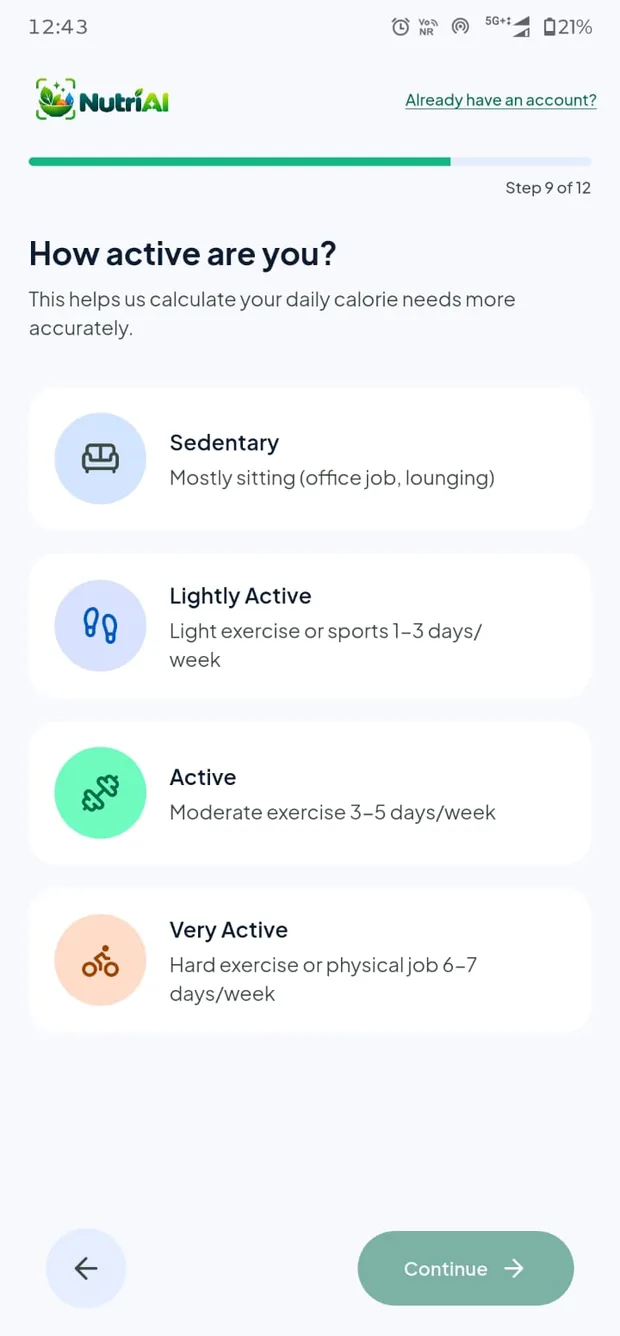
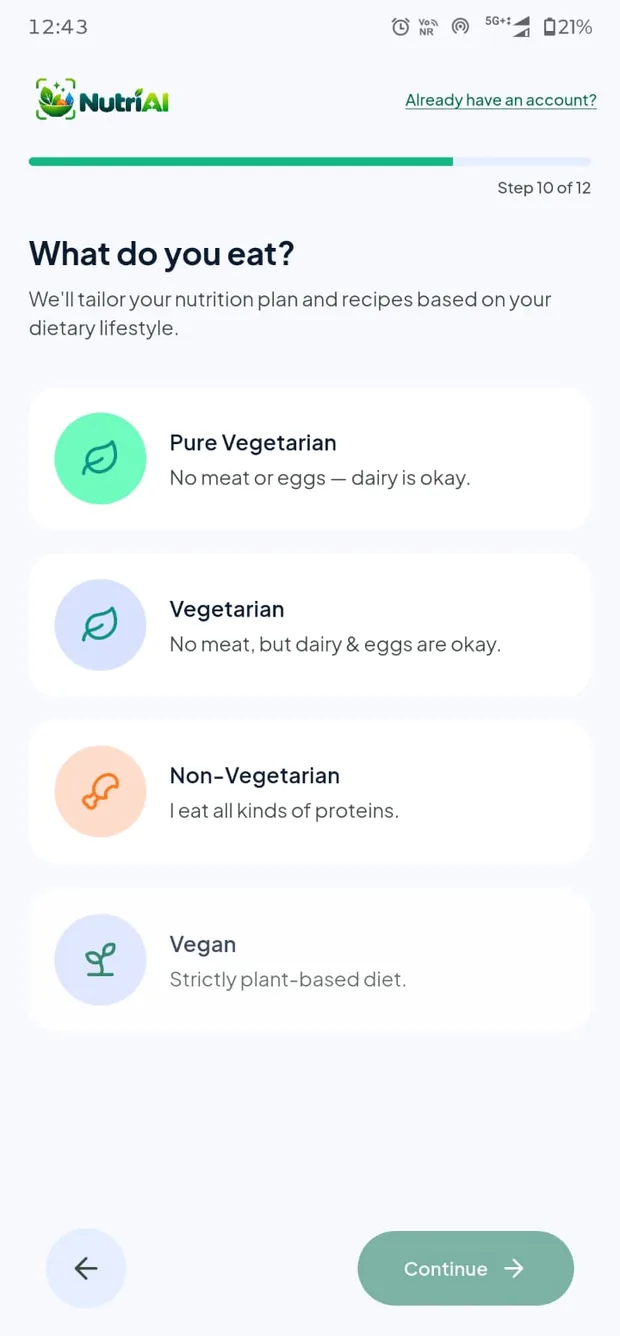
Twelve short questions about your sex, age, height, weight, goal weight, activity level and how you eat produce a BMI reading, a daily calorie figure, a hydration goal and a macro split. An AI plan is then written around the answers you actually gave.
A generic 2,000 kcal target is wrong for almost everybody. Yours comes from the Mifflin-St Jeor equation applied to your own measurements and adjusted for your goal, so the number you are aiming at is one your body can actually explain.
Lose, maintain or build, and the arithmetic follows
Vegetarian, vegan and non-vegetarian plans
Every figure explained, not just handed to you
Revisit the whole plan any time from your profile
Day to day
The parts that keep you going after week two
Scanning a meal is the part people try. These are the parts that decide whether they are still tracking a month later.
Reminders that fit your day
Meal, water, weight and weekly-summary nudges, each on its own schedule. They fire from your device rather than a server, so they arrive on time with no signal, and they respect the quiet hours you set. Change your language and every reminder is rewritten and rescheduled to match.
Weekly insights that name the change
At the end of each week the app looks across every meal, glass and weigh-in and writes up what actually moved: the days you overshot, the macro you keep missing, the streak you are building. Highlights are written in your language, not translated after the fact.
Works when the signal does not
Water and weight are written locally first and synced when you reconnect, so a basement gym or a flight never costs you an entry. Meal photographs taken offline are queued and analysed the moment you are back online.
Streaks that are worth keeping
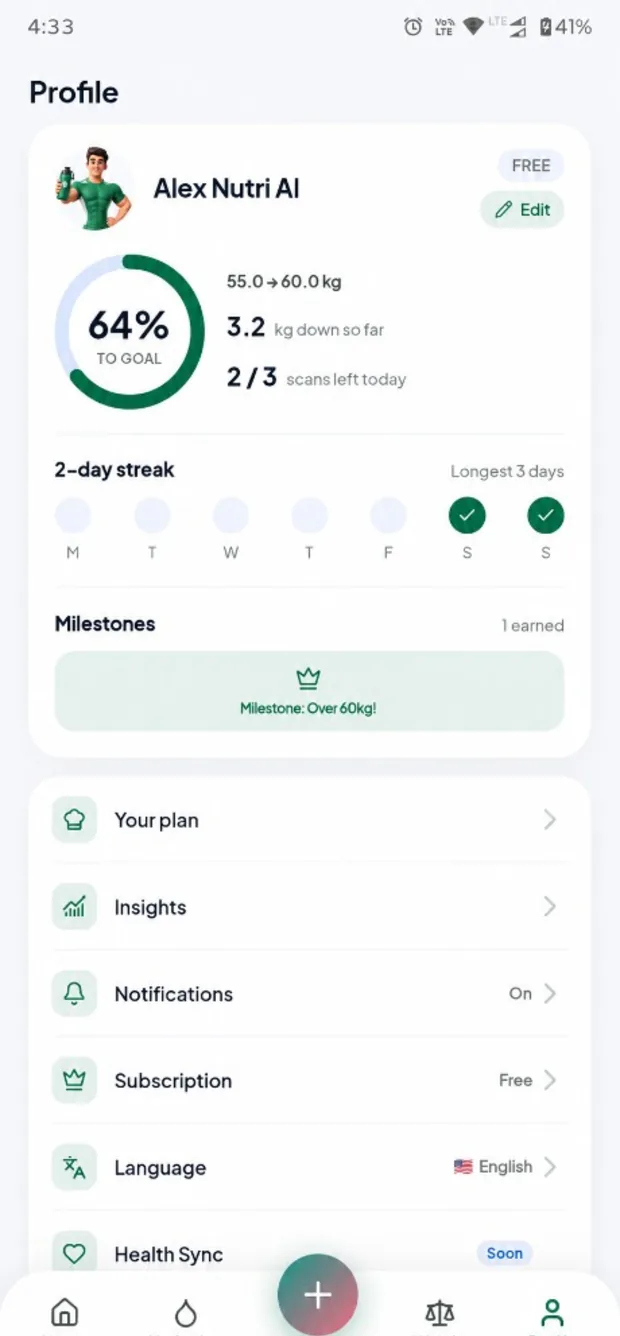
A day counts when you log it, and the profile screen keeps the current run and your longest ever side by side. The streak reminder cancels itself the moment you log a meal, so it never nags you about something you have already done.
Health sync, in progress
Two-way sync with Health Connect, Google Fit and Apple Health is on the roadmap: steps and active energy adjusting your daily budget, weight and water staying consistent across your health apps. It will be opt-in per data type, and nothing from it will ever reach an advertising SDK.
Your data stays yours
What you eat, drink and weigh is encrypted in transit and at rest, is never sold, and is never handed to advertising partners. Meal photos live in a private bucket read only through links that expire within the hour. You can start with no account at all.
Try it here
Your numbers, before you download anything
This is the same Mifflin-St Jeor maths the app runs at the end of onboarding. Move the sliders and watch your targets change.
Tap the glass, or use the buttons. The goal it fills toward is the one your weight produced in the calculator above. In the app, a countdown on the home card tells you when the next reminder is due.
Nothing logged yet today. Every glass counts.
Screens
Twelve steps in, and it already knows you
Drag to move through the app, from the first question to a logged meal.
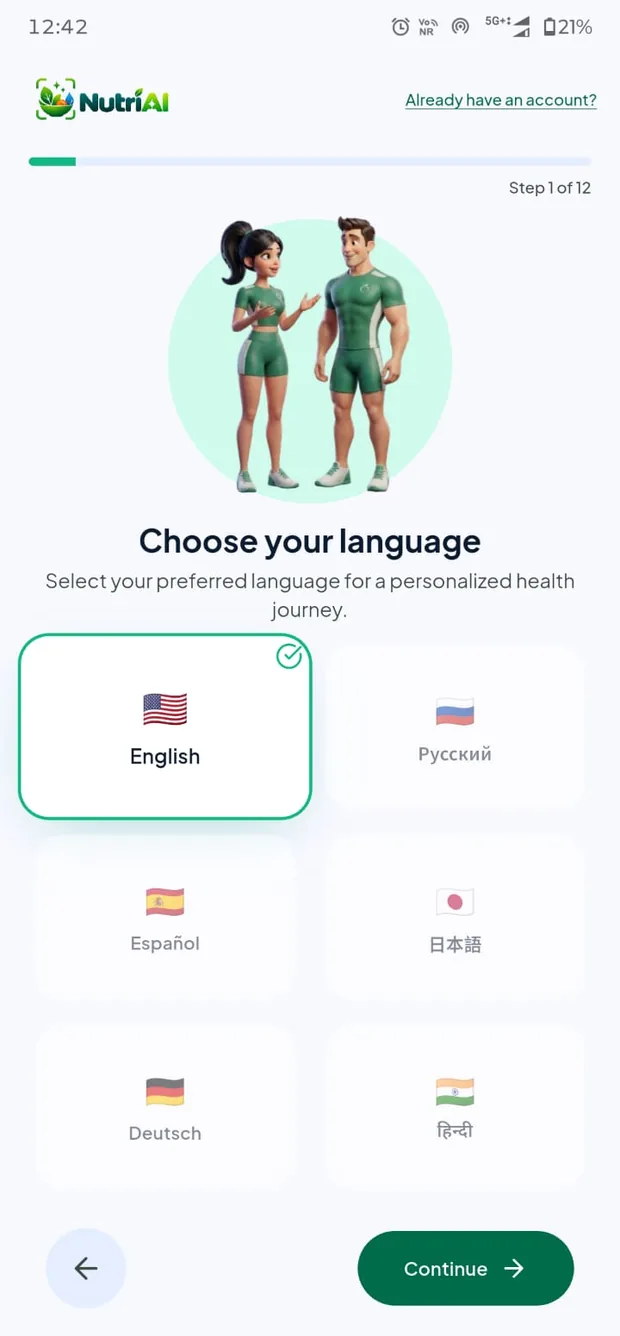
Pick a language
Metabolic profile
Your age
Height, cm or ft
Weight on a ruler
Lose, gain or hold
Your goal weight
Activity level
How you eat
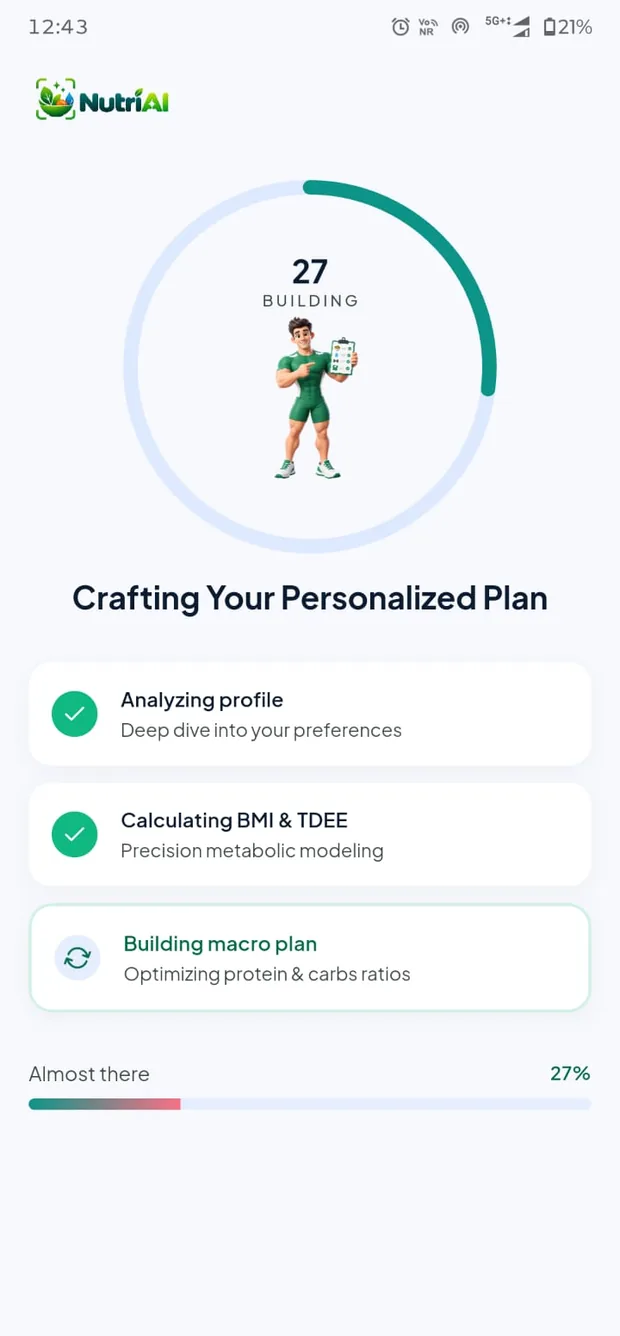
Crafting the plan
Your plan
Home
Decrypting nutrition
The result
Breakdown
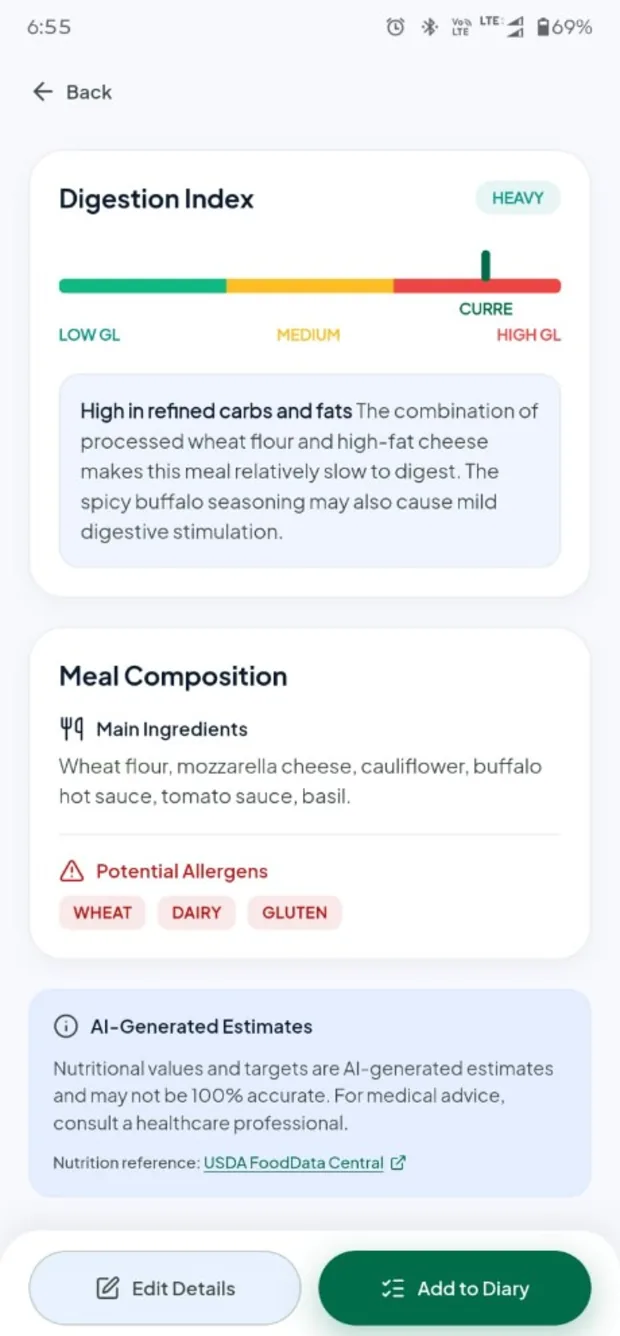
Composition
Hydration
Weight trend
Profile & streaks
What people say
Six languages, one habit
NutriAI ships in English, Russian, Spanish, German, Japanese and Hindi. That covers the interface, the reminders and the AI's own writing. Reviews are shown in the language they were written in.
Pricing
Free to use. Premium when you want more.
Free
Everything you need to keep a proper food diary, indefinitely. No trial clock, no card.
A set number of AI meal scans every day
Calorie ring, macro bars and the full food diary
Water, weight and BMI tracking
Targets from your own BMR and TDEE
Meal, water and weekly reminders
Premium
NutriAI Pro
For the days you log every meal, and want the detail behind every number.
Unlimited AI scans
Full micronutrient detail on every meal
Advanced insights and weekly analysis
Custom diet plans you can regenerate
No ads
Weekly, monthly and yearly plans. Prices appear in Google Play in your own currency, and you cancel there too, at least 24 hours before renewal. Cancelling keeps everything you have already logged.
Languages
Your food, in your words
Interface, reminders and the AI's own writing all follow the language you pick. Reminders are even rescheduled so the wording matches.
🇬🇧English
🇷🇺Русский
🇪🇸Español
🇩🇪Deutsch
🇯🇵日本語
🇮🇳हिन्दी
FAQ
The things people ask first
Do I have to create an account?
No. The app opens an anonymous session the first time you launch it, so onboarding, your first scan and your first week need nothing from you at all. Everything you log is tied to that session and syncs across your devices once you do sign in. Linking a Google, Apple or email account later attaches it to the account you already have, so nothing is lost and nothing is duplicated.
How accurate are the calorie figures?
They are estimates read from a photograph, and they will differ from a laboratory analysis. Accuracy depends on lighting, angle, how much of the plate is visible, and whether a sauce or an oil is hidden underneath. Every result shows how confident the match is, lists the ingredients it assumed, and lets you rescale the serving or correct the dish in a tap. Treat the figures as a consistent daily guide rather than a measurement: what matters for a goal is that today is comparable to yesterday.
Does it work without a signal?
Partly. Water and weight are written to your phone first and synced when you reconnect, so a basement gym or a flight never costs you an entry. AI analysis needs a connection, so a photo taken offline is queued and processed the moment you are back online, and the meal lands on the day you took it rather than the day it uploaded. Reminders are scheduled on the device too, so they still fire with no signal.
What happens to my health data?
It is encrypted in transit and at rest, it is never sold, and it is never handed to advertising partners. That last point is enforced in the app rather than just promised here: no advertising SDK has access to what you eat, drink or weigh. Meal photographs live in a private bucket and are only ever read through links that expire within the hour. You can delete any entry yourself, or email us and we will remove everything.
Is there an iPhone version?
Android first. The iOS build is in progress, and the App Store link will appear on this page the day it goes live. Because your data lives with your account rather than your handset, signing in on iOS later will bring your whole history with you.
Will it sync with Health Connect or Apple Health?
Two-way sync of steps, active energy, weight and water is on the roadmap and shows as “Soon” in the app's profile screen. When it lands, steps and active energy will adjust your daily calorie budget, and weight and water will stay consistent across your health apps. It will be opt-in per data type, and nothing that comes from a health platform will ever reach an advertising SDK.
How do I cancel Premium?
In Google Play, under Subscriptions. Cancel at least 24 hours before the renewal date to avoid being charged for the next period. You keep Pro until the end of the period you have already paid for, and nothing you logged is deleted when it ends.
How many free scans do I get a day?
A set number every day. The count is shown on the home screen before you spend one, and it resets at midnight in your own time zone rather than ours. Everything else is free and unlimited: the diary, water, weight, targets, reminders, insights and all six languages. Pro removes the scan cap.
Will it recognise food from my part of the world?
It is not limited to a Western database. The model reads the photograph rather than matching a catalogue, so regional dishes come back by name with their own ingredient breakdown, including street food and home cooking that a database would never carry. Where it is unsure it tells you, and correcting it takes one tap.
What happens to my data if I stop paying?
Nothing is deleted and nothing is locked. The app simply returns to the free tier, so the daily scan cap comes back, but your whole diary, your weight history, your targets and your generated plan stay exactly where they were and remain fully readable. Resubscribing picks up where you left off.
Your next meal can log itself
Free to start, no account, no card. Take one photo and see what the app makes of it.